Valia LavdogianniWhat I do 02 of 06

Design systems

02
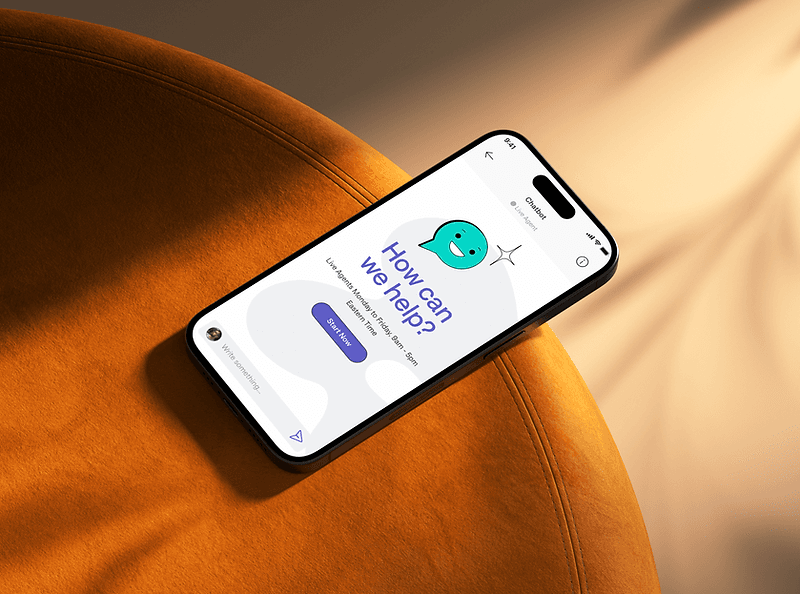
Credit Genie support chat on a phone
What I do

Tokens, components and their documentation, in Figma and in code. One library the whole team builds from, so a button means the same thing on every screen.

01Credit Genie

App, design system Read the story

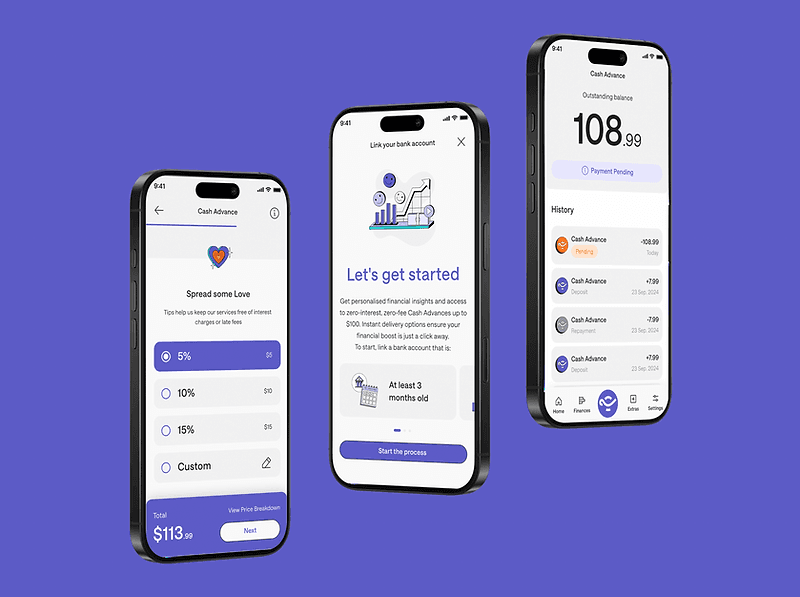
Three Credit Genie screens: the tip choice of five, ten or fifteen percent or a custom amount, the bank link that asks for an account at least three months old, and the balance still owed with its history
The tip, the bank link and the balance
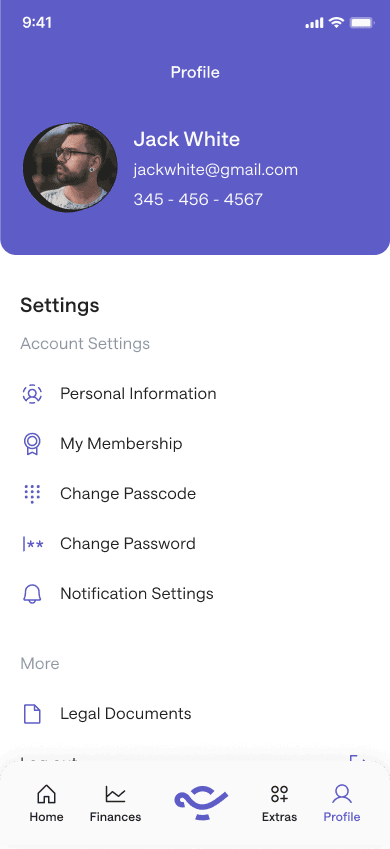
The Credit Genie profile screen: the name and contact details on purple, then the account settings, from personal information to notification settings
The profile, with the account settings

02Anytime

App, design system Read the story

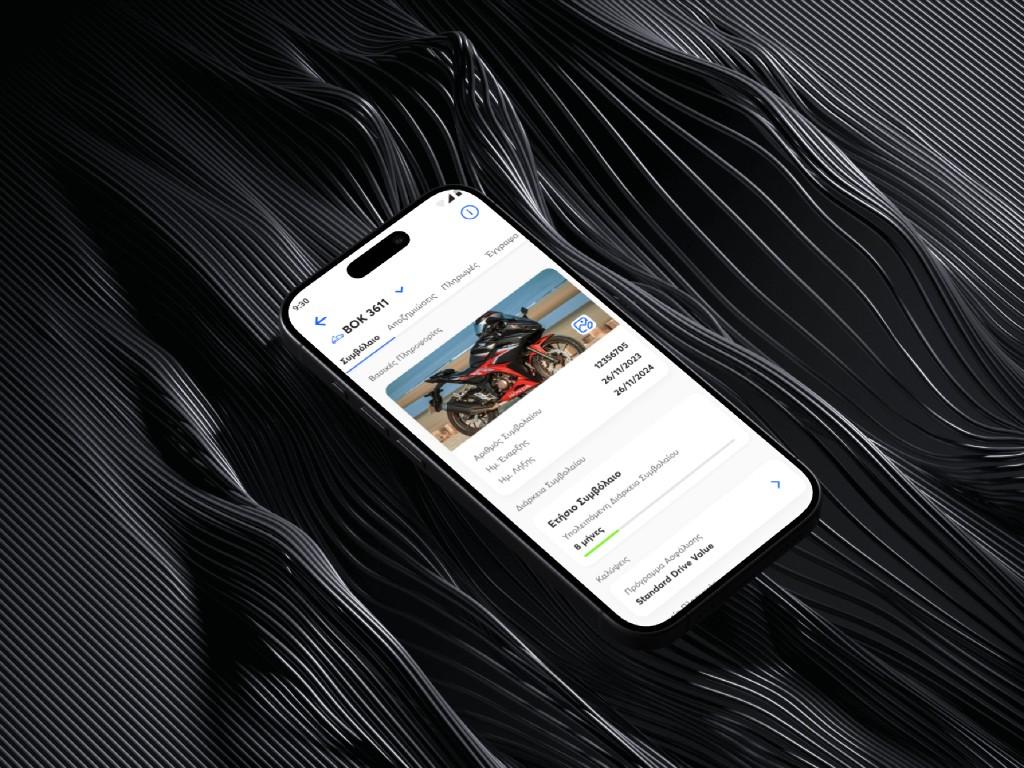
An Anytime policy on a phone, with a photo of the motorbike it covers
From the design system, contracts
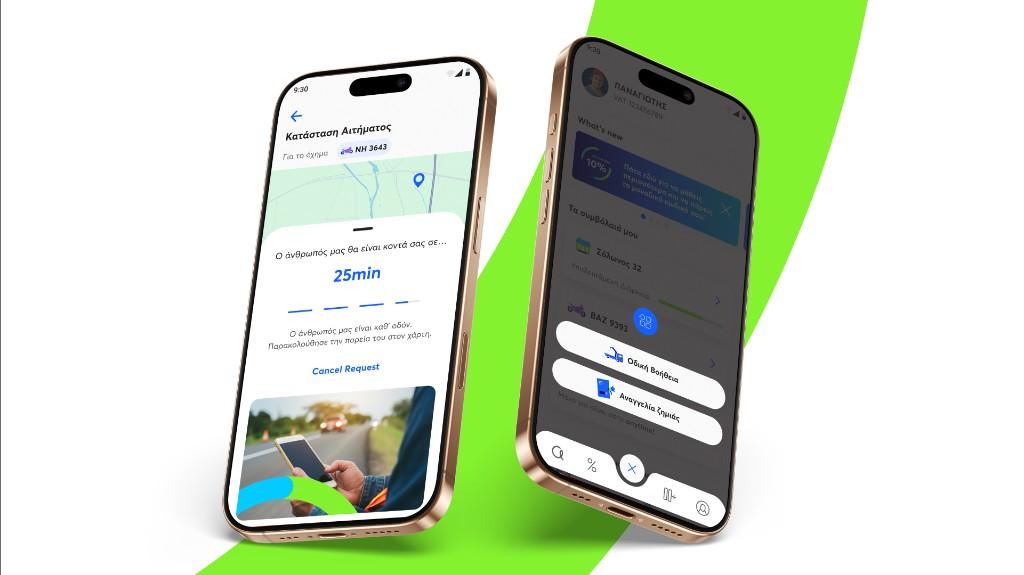
The Anytime button open in the middle of the menu, with Road Assistance and claims, beside a request already on its way
The button, open, with Road Assistance and claims
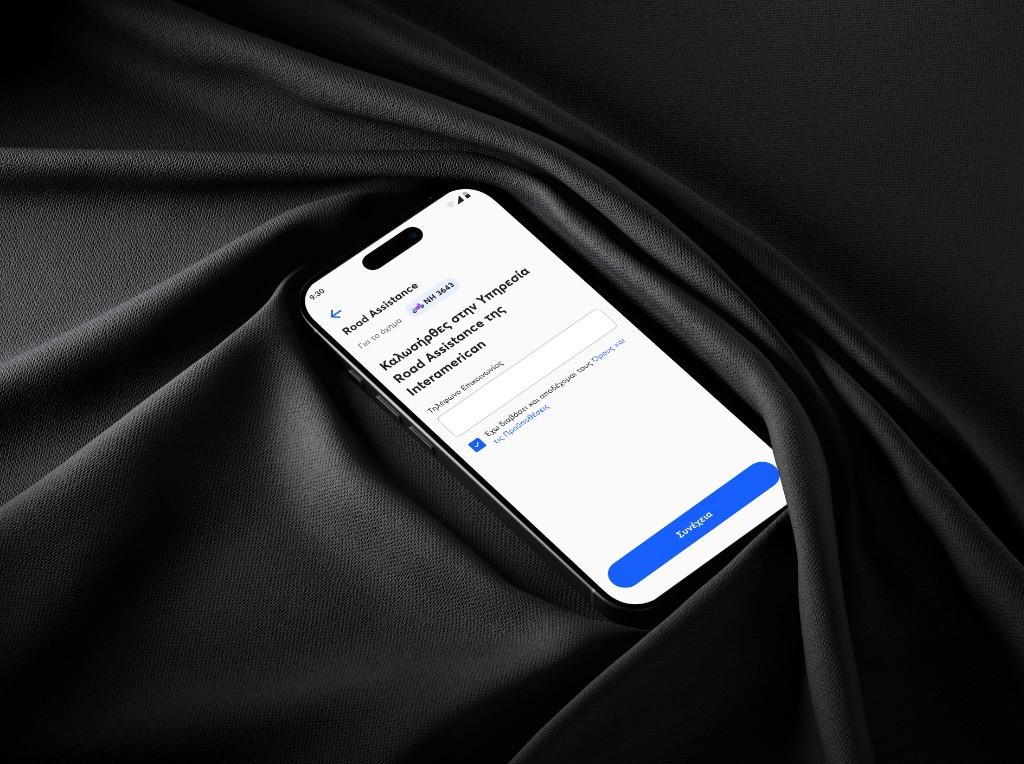
The Anytime Road Assistance flow
Road Assistance
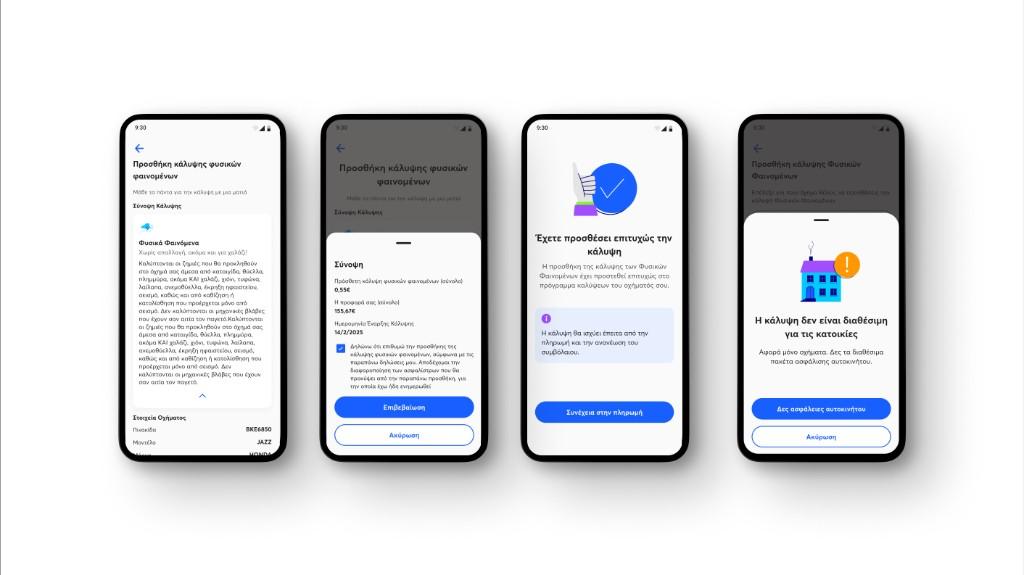
The Anytime claims flow
Claims, made in the app
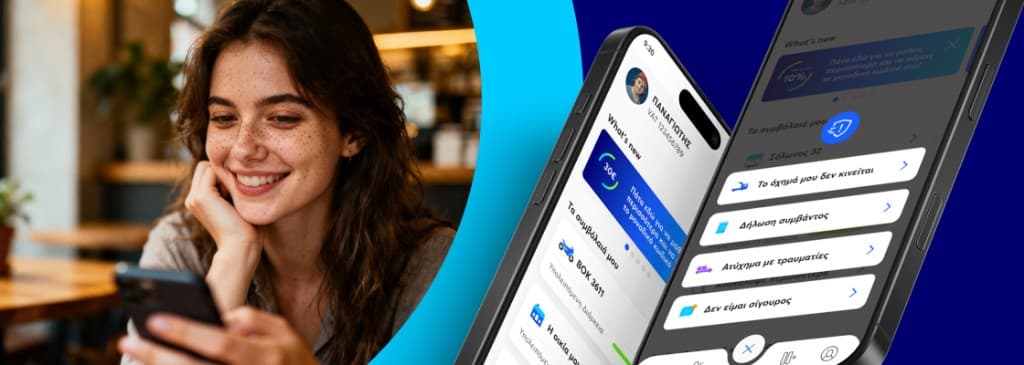
A woman smiling at her phone, beside two Anytime screens: the home with her policies, and the question of what happened, with four answers from my vehicle will not move to I am not sure
The home, and the first question when something goes wrong: what happened
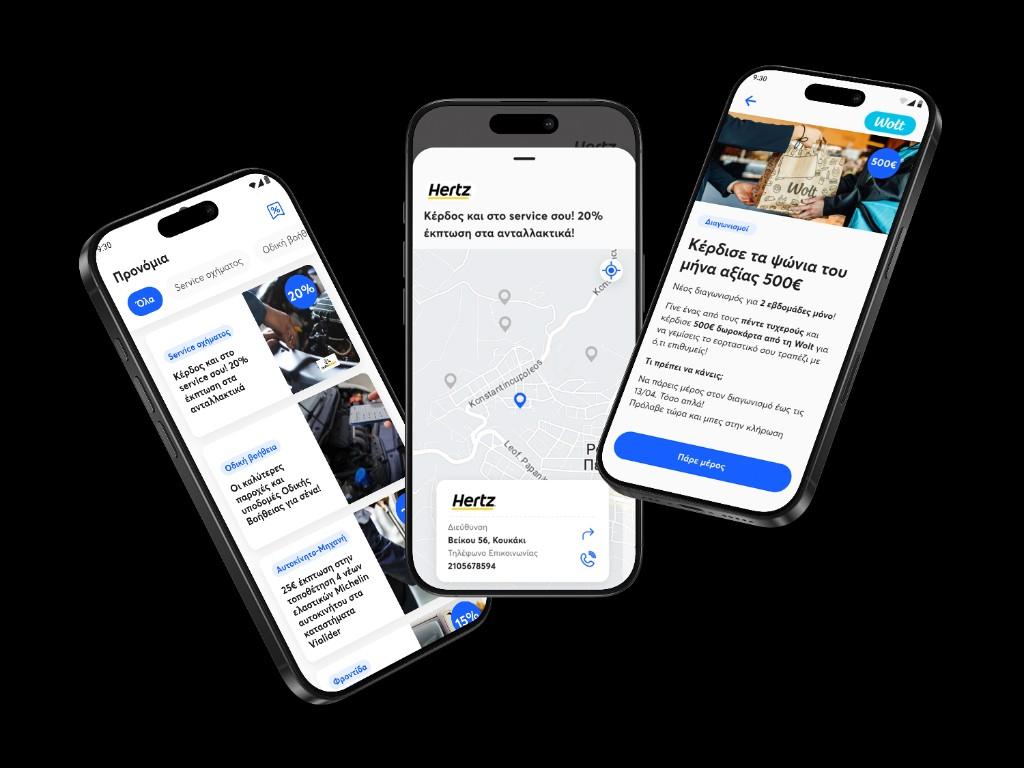
Three Anytime screens: the member perks, a partner garage on the map, and a contest to win a month of shopping worth 500 euros
The perks, a partner on the map, and a contest

03ZuluTrade

Web and app, design system Read the story

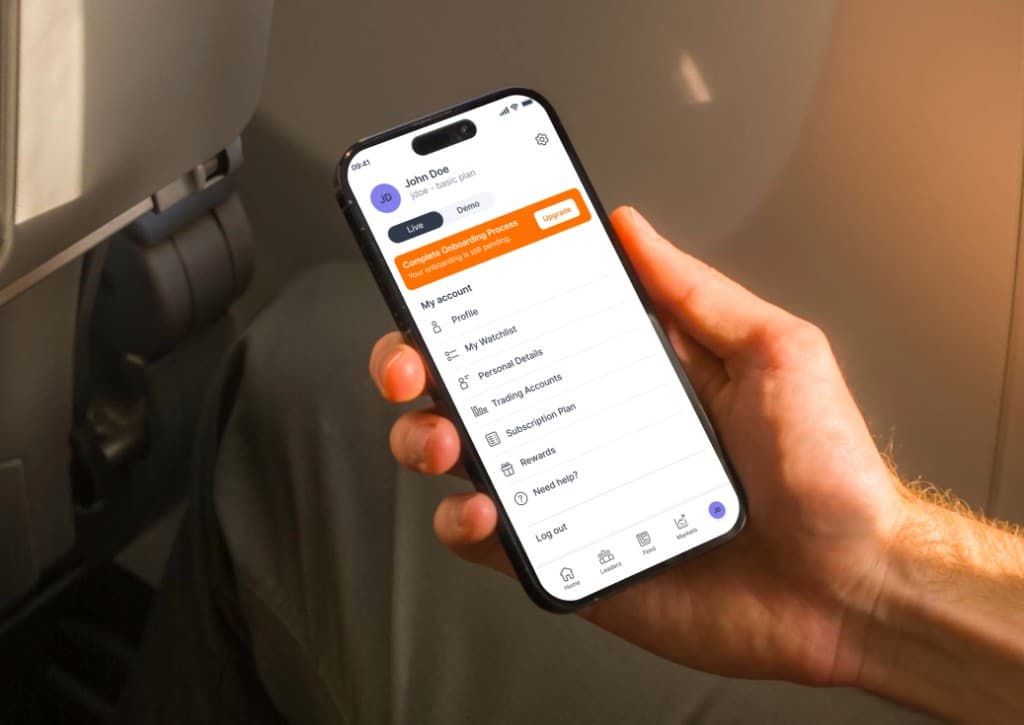
A hand holding a phone with the ZuluTrade account menu, and a reminder to finish opening the account
A reminder to finish opening the account
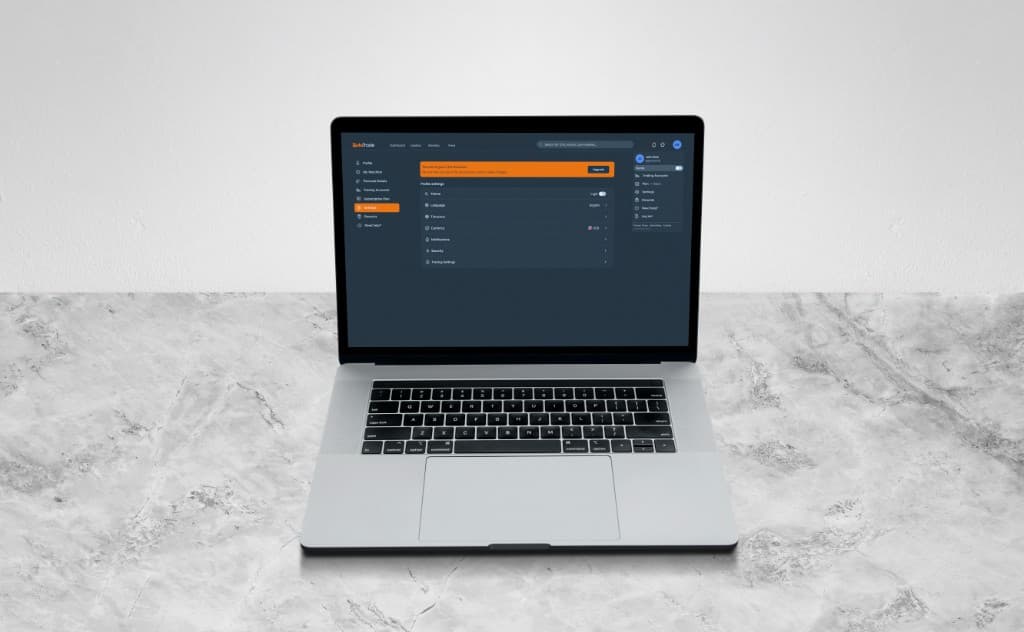
The ZuluTrade web trading platform, rebuilt on the new design system
The web platform, rebuilt on the new system
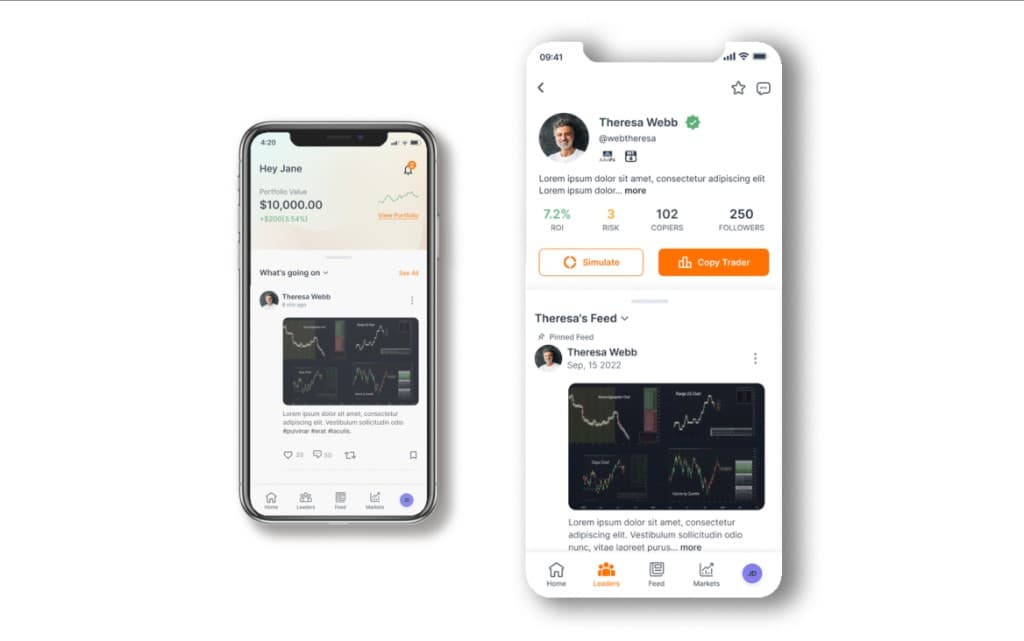
Two ZuluTrade screens: the home with the portfolio and what is going on, and a trader profile with the buttons Simulate and Copy Trader above her feed
The home feed, and a trader you can copy
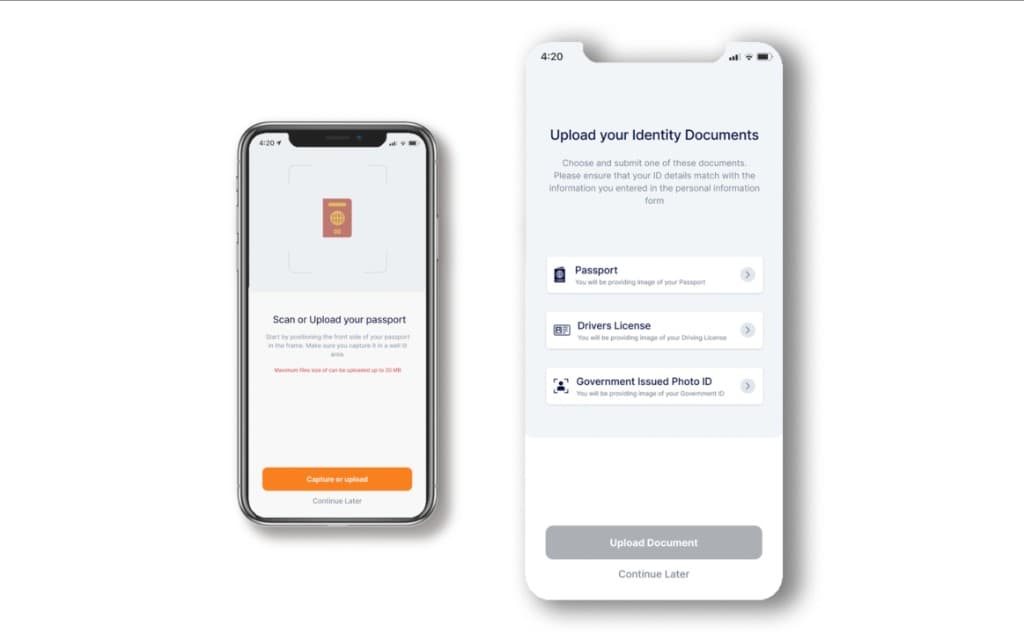
Two ZuluTrade screens: scan or upload your passport, and the choice of passport, driving licence or a government photo ID
The identity check: scan the passport, or choose a document
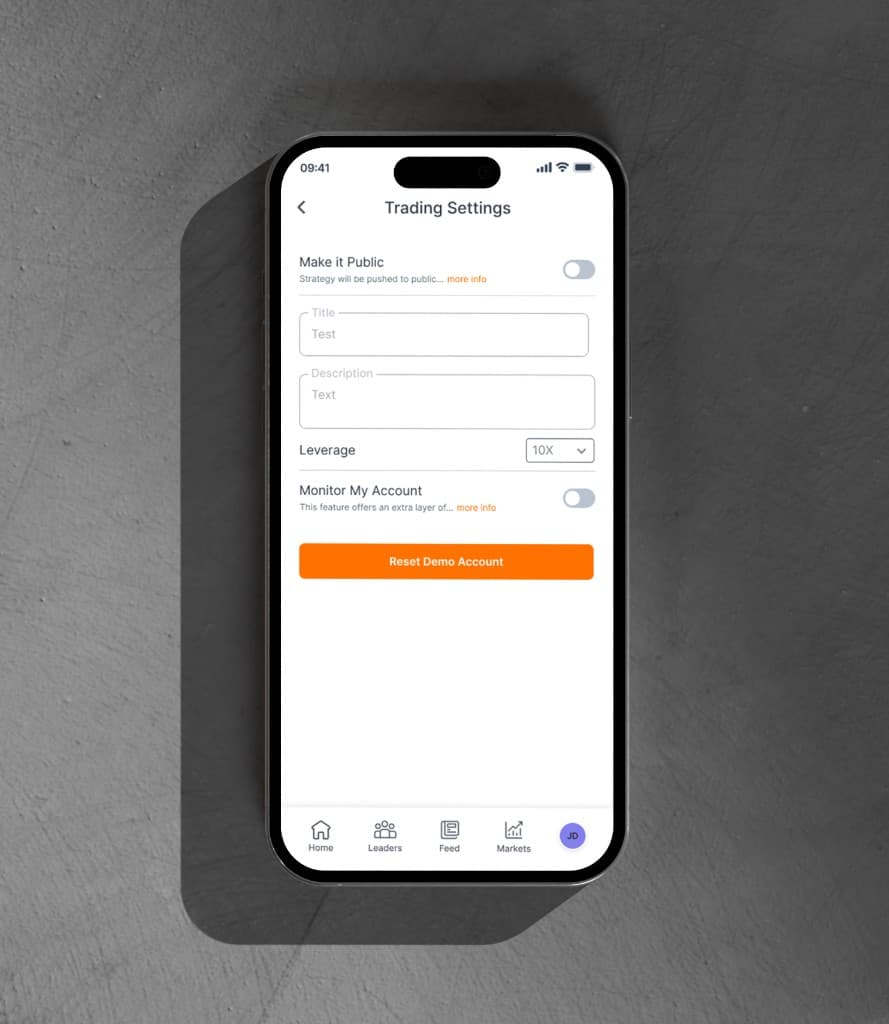
The ZuluTrade trading settings: make it public, a title and description, the leverage, monitor my account, and a button to reset the demo account
Trading settings, down to resetting the demo account
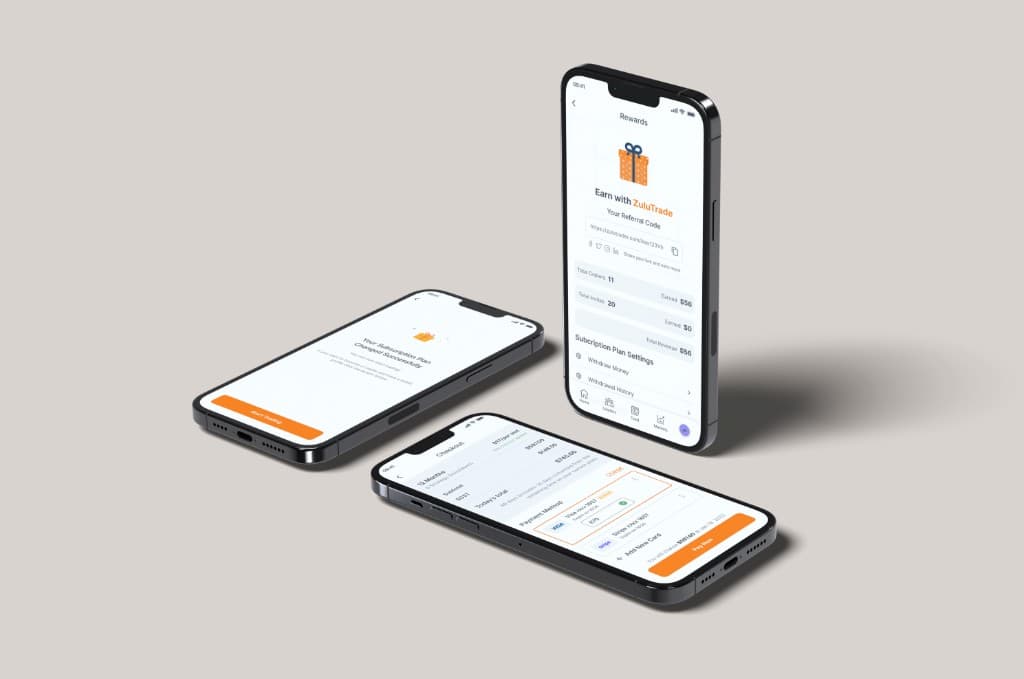
Three ZuluTrade screens, with rewards in front: earn with ZuluTrade, a referral code, and what it has earned
Rewards: a referral code, and what it has earned